
 Español
 Français
 Deutsch
 Português
ik Safe360 Web - Delete account
In ik Safe360 Web, we have also integrated the possibility of deleting your account and your devices linked to it at any time.
In order to delete your account correctly, the following steps must be followed:
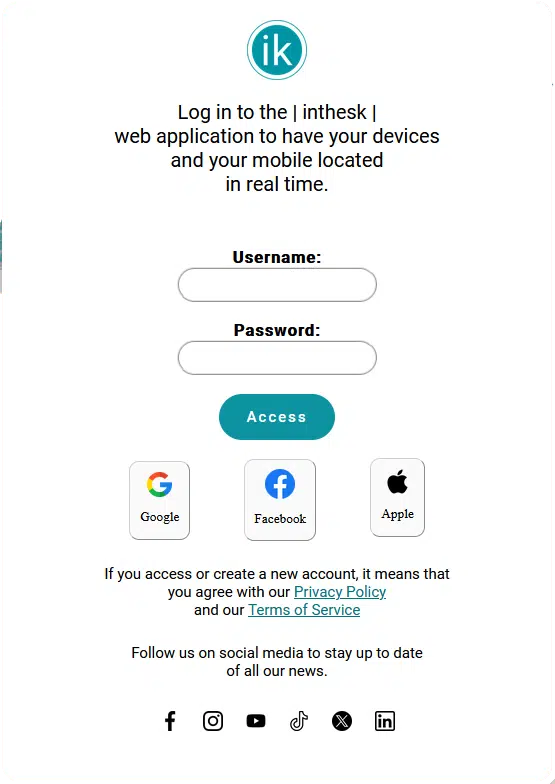
1. Log in to your account.

2. Click on the bin button in the information section.


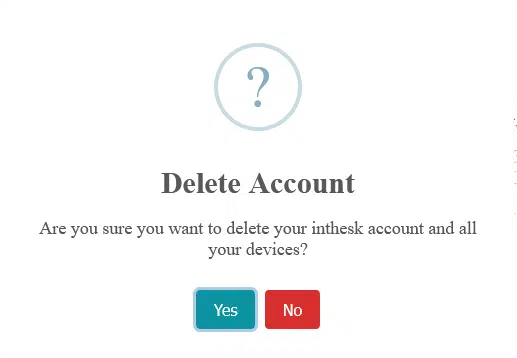
3. You will see a small pop-up warning you that your account will be completely deleted. If you are sure, click “Yes”.